Every Hostel Management Software Demo Looks Perfect — What Should You Actually Check?
Sales demos are designed to hide limitations. Learn exactly what to inspect, test, and ask before signing up for a hostel property management system.
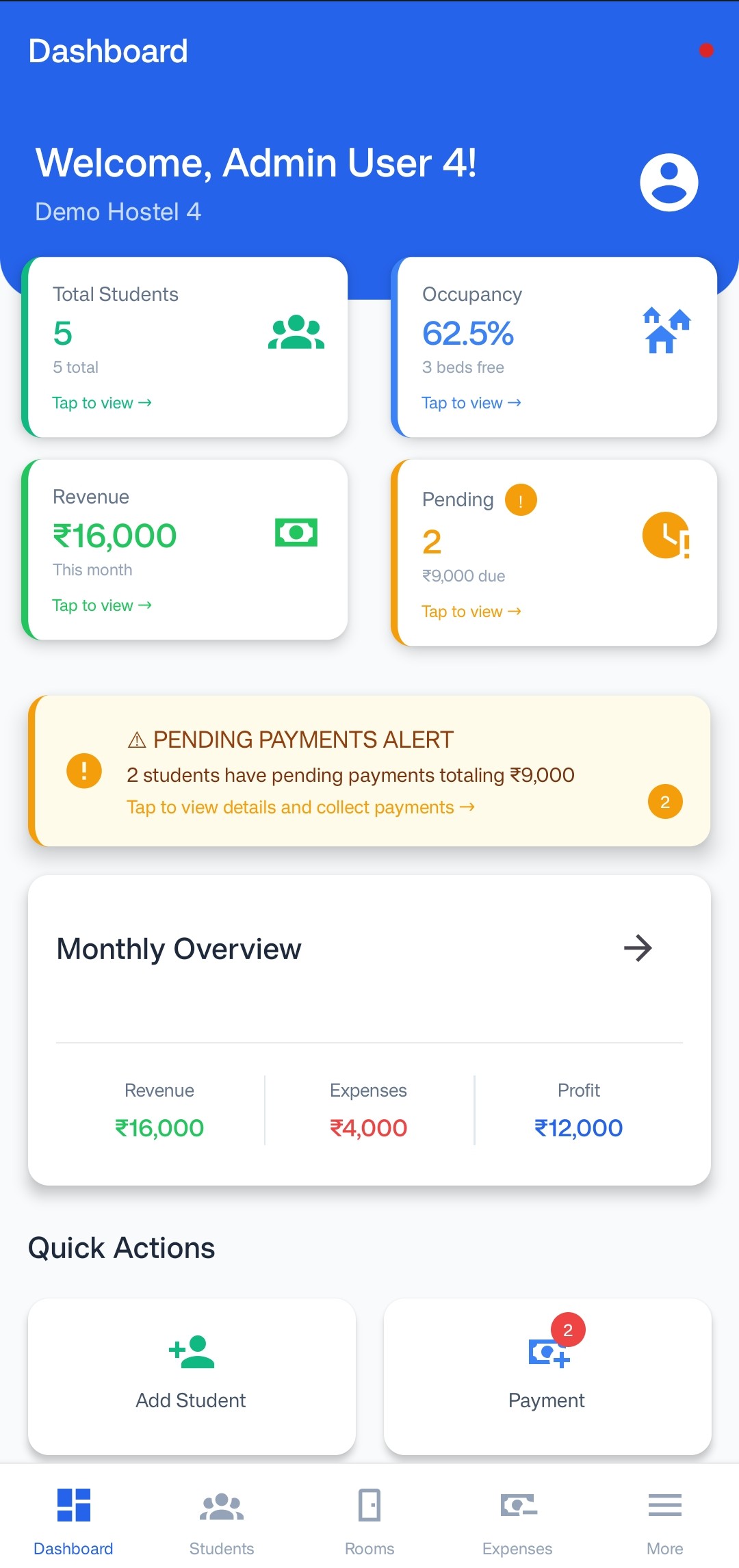
When you book a sales demo with a hostel software company, everything is set up perfectly. The database is pre-loaded, the internet speed is fast, and the presenter knows exactly which buttons to avoid. It is easy to get wowed by a smooth interface and buy on the spot—only to discover major limitations once you start onboarding real tenants.
1. Test the Bed-Level and Shared Room Logic
Most software is built for hotels, where rooms are sold as single units. In a demo, ask the sales rep to show you how a 10-bed mixed dorm is represented.
- Can they check in three people from different bookings into the same room without errors?
- Can they move a single tenant from Bed A to Bed B instantly without changing their billing history?
2. Request a Speed Test on Mobile Devices
Your wardens and maintenance staff will not be sitting in front of a desktop computer all day. They will use their mobile phones. Ask the presenter to share their mobile web view or app dashboard. Watch how long it takes to search for a tenant or log a payment. If it takes more than 3 seconds to load, your staff will reject using it.
3. Ask to See the Offline Sync Capability
WiFi drops out. Power cuts happen. Ask what happens when the connection drops. Can the warden still check who is checked in or log an emergency cash payment? Good hostel systems should handle temporary offline states without losing data.
4. Look at the Hidden Costs and Add-ons
A low base price is a common sales tactic. Check if SMS packages, WhatsApp integration packages, multi-property consolidated reporting, or customer support packages require extra fees. Always ask for a final quote inclusive of all features.